
Features for children and parents

Juhupost has two sides. Your child sees a colourful mailbox with big buttons. You see a calm parent area where you approve things and change settings. It's the same app, running in child mode or parent mode depending on the device.
For children: the mailbox
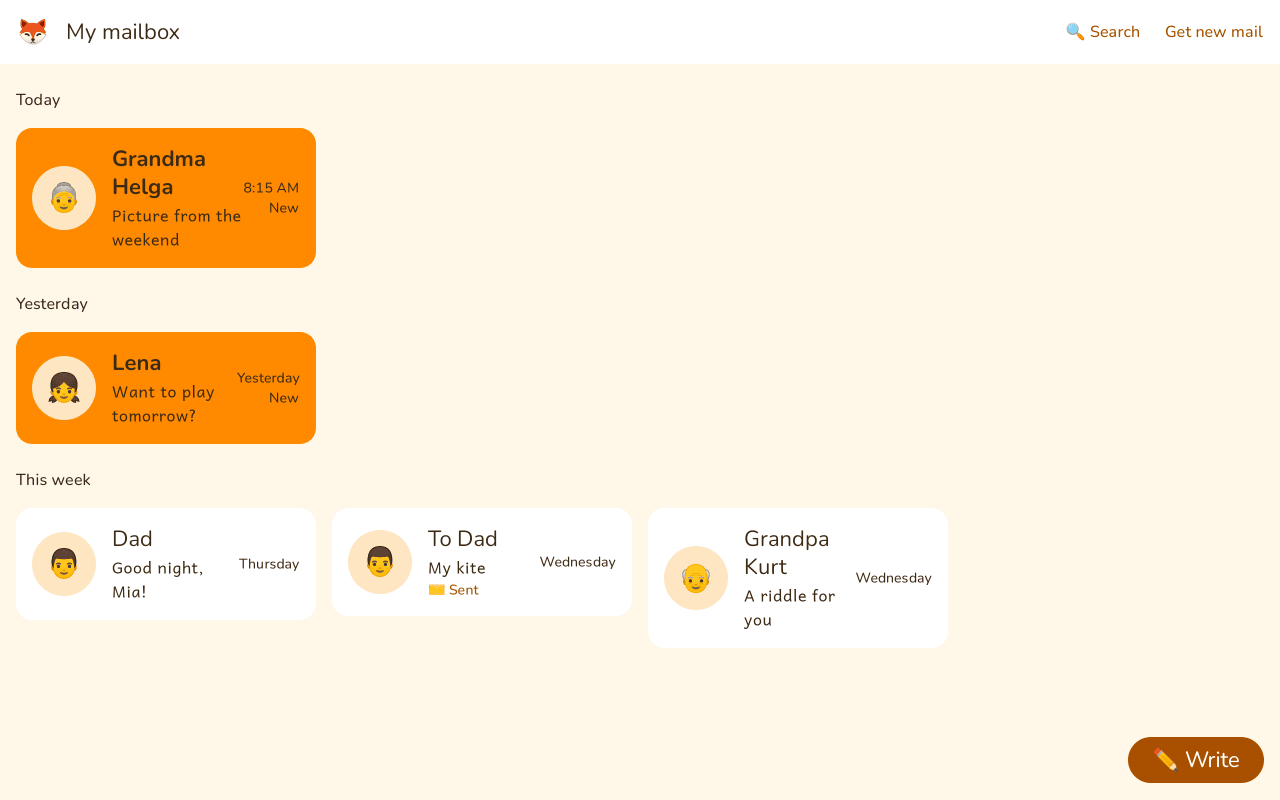
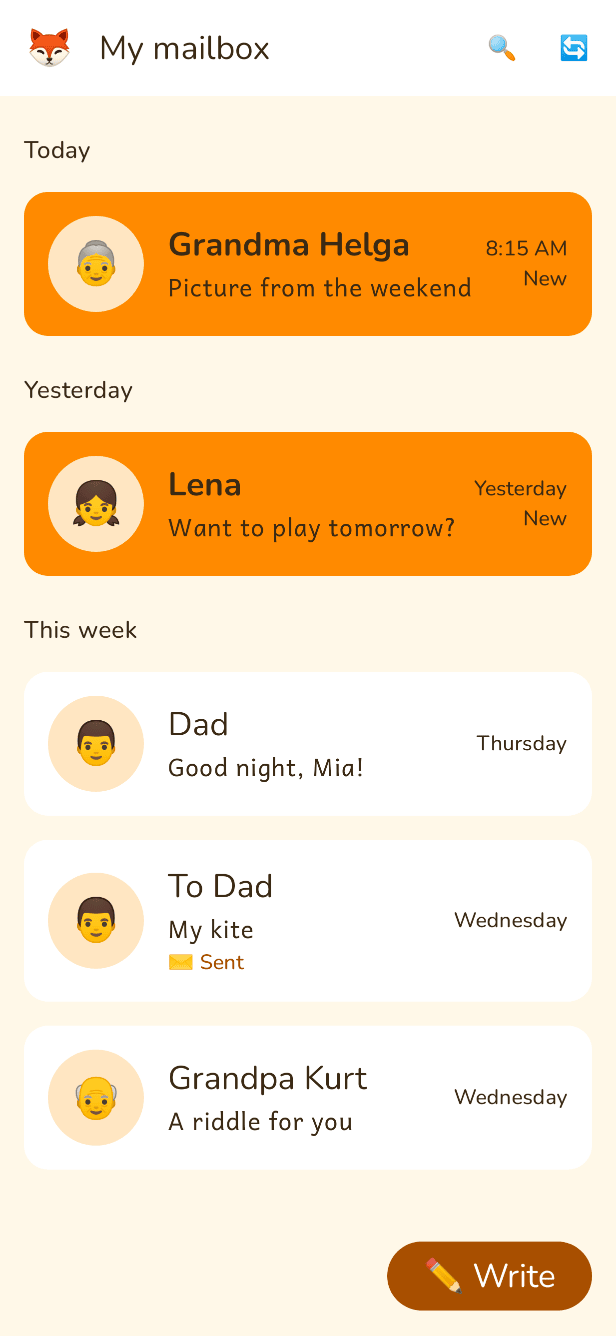
New mail is at the top, grouped into Today, Yesterday, This week and Earlier. Each tile shows who wrote, with a picture or photo. When your child opens a tile, all the mails in that conversation are shown one under the other like in a messenger, their own on the right. The magnifying glass searches by sender, subject or text.
Reading and read-aloud
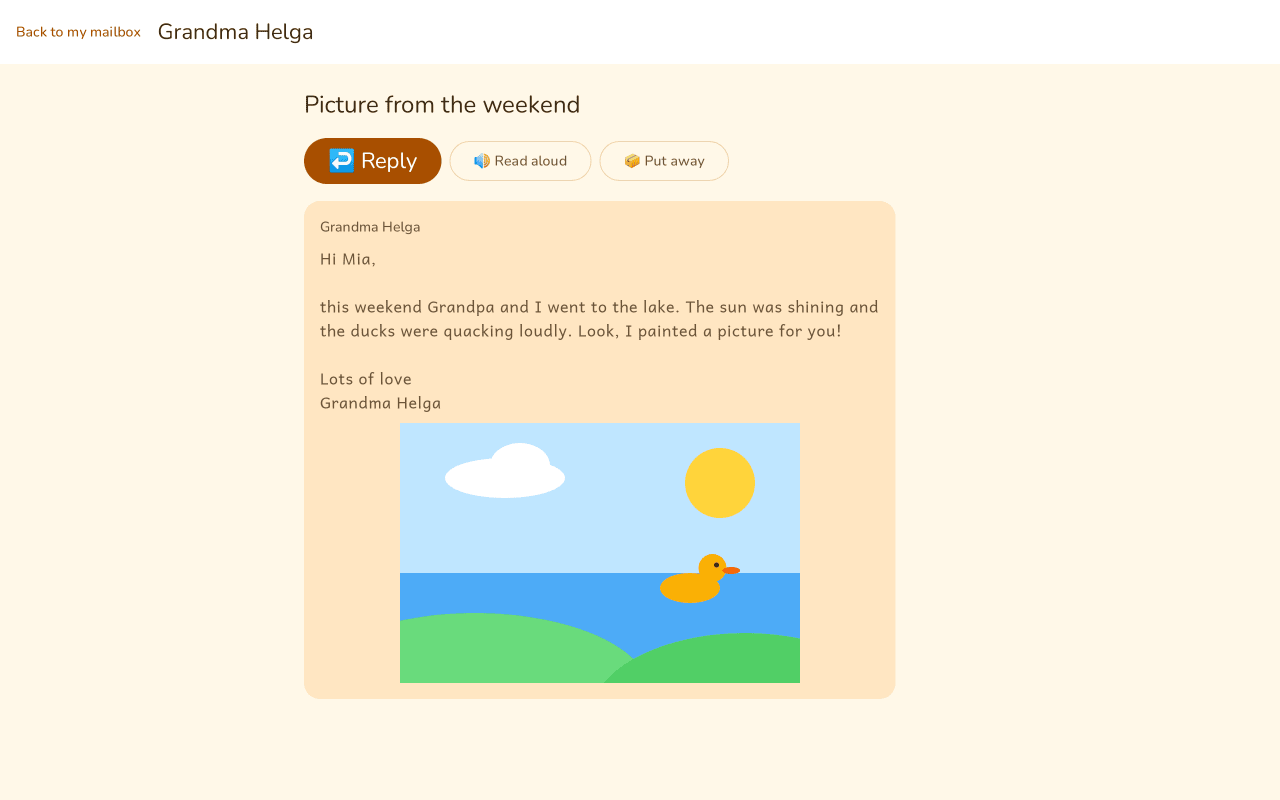
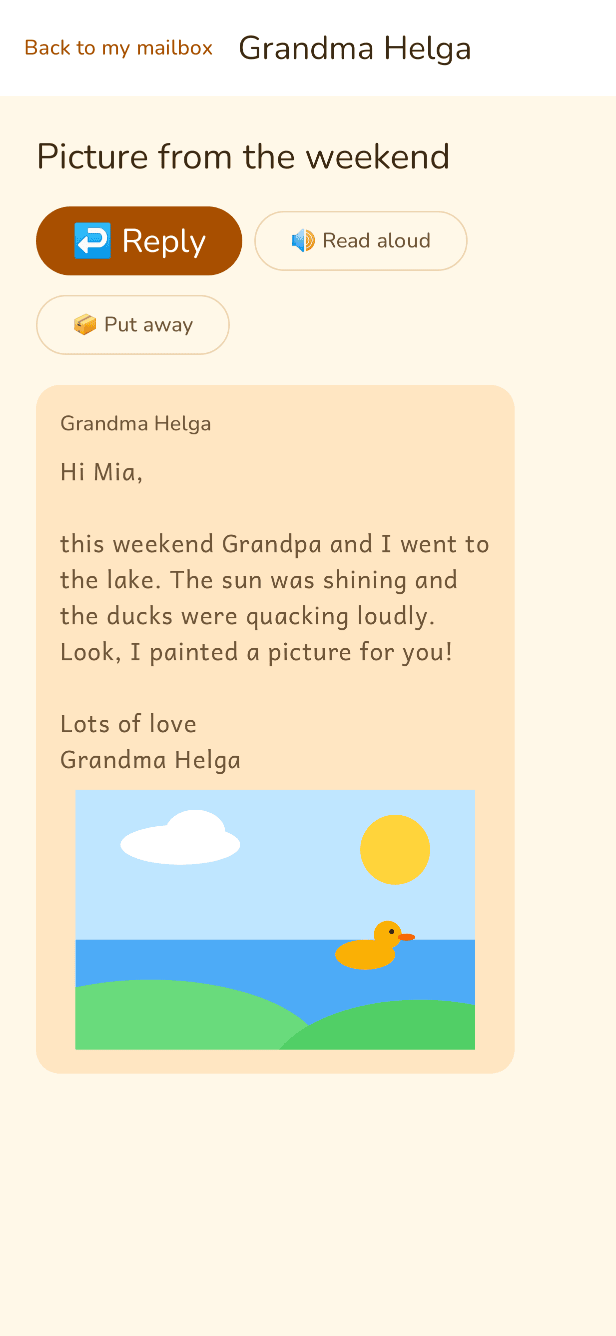
Mail appears in large type. Pictures in attachments are shown right inside the mail. One tap on “Read aloud” and the device reads the mail out. Juhupost uses Android's text-to-speech for this.
When your child has read a mail, “Put away” moves it out of the mailbox. Your child can't delete anything for good. Put-away mail goes to the mailbox archive, where you can find it in any mail app.
Writing, dictating and drawing
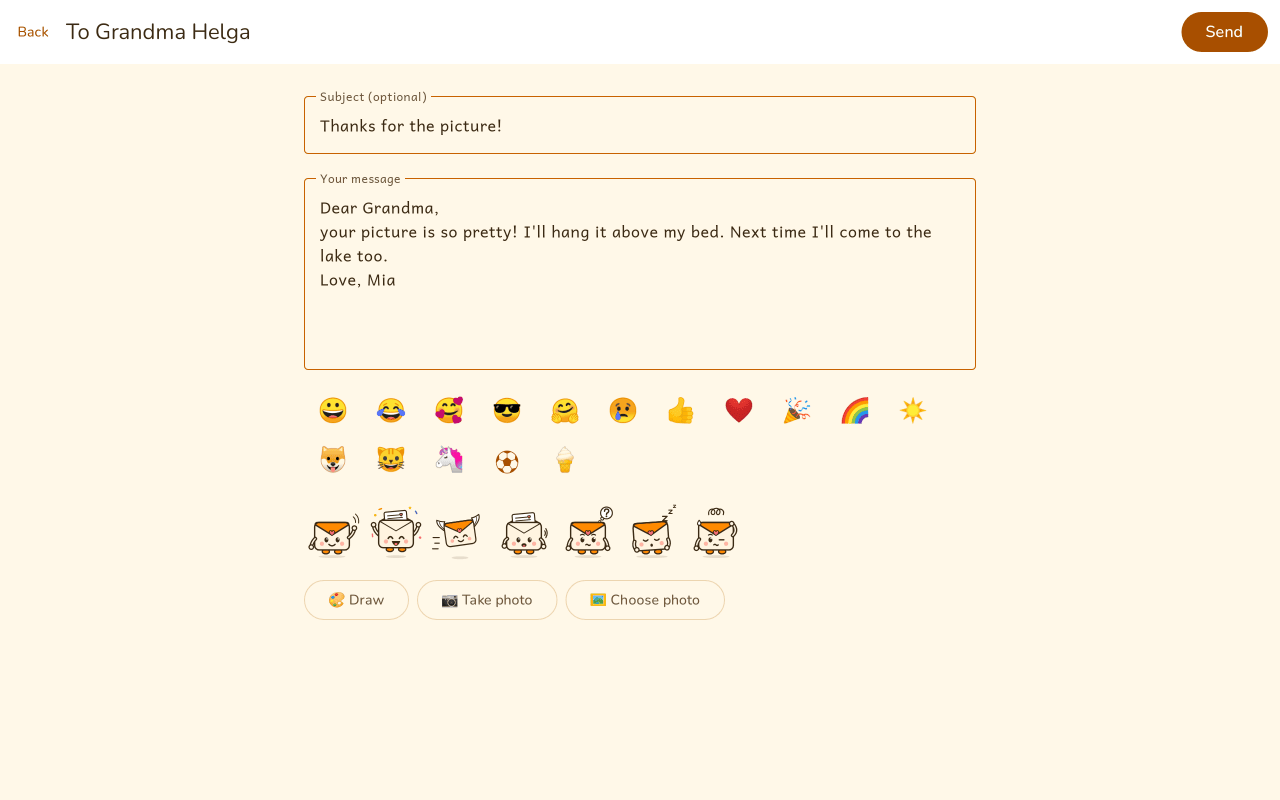
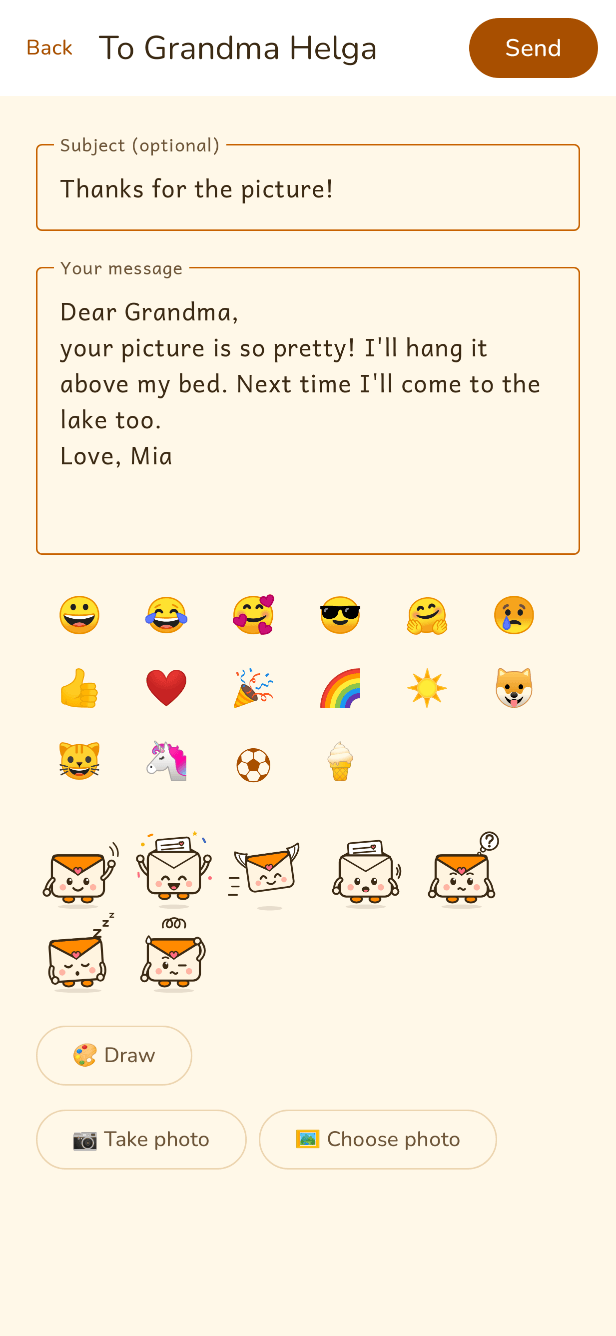
Your child taps a person and starts writing. If typing is still slow, they can just say the text and the device's voice input writes it down. Above the text field there's a row of emojis. Photos can be attached straight away or taken with the camera.
Family adds Kuvi stickers and a drawing pad. The drawing is sent as an attachment.
My people
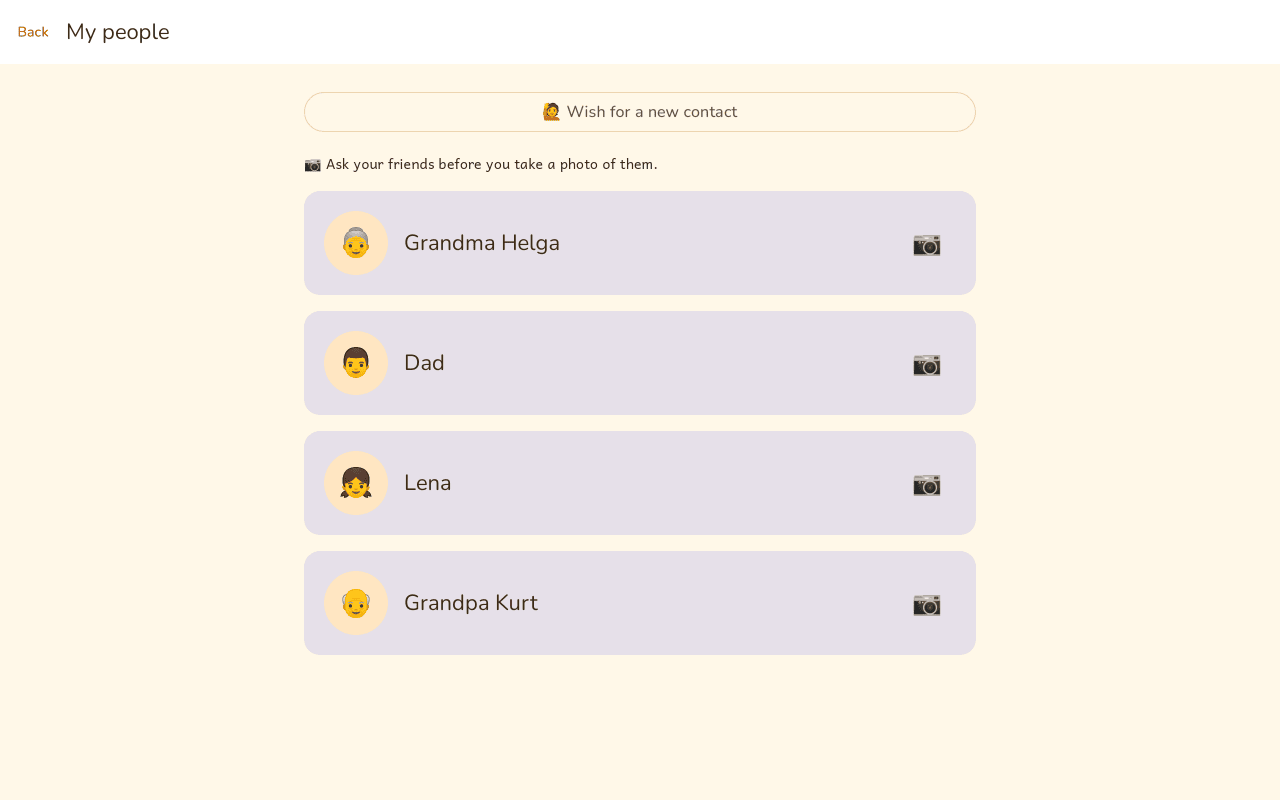
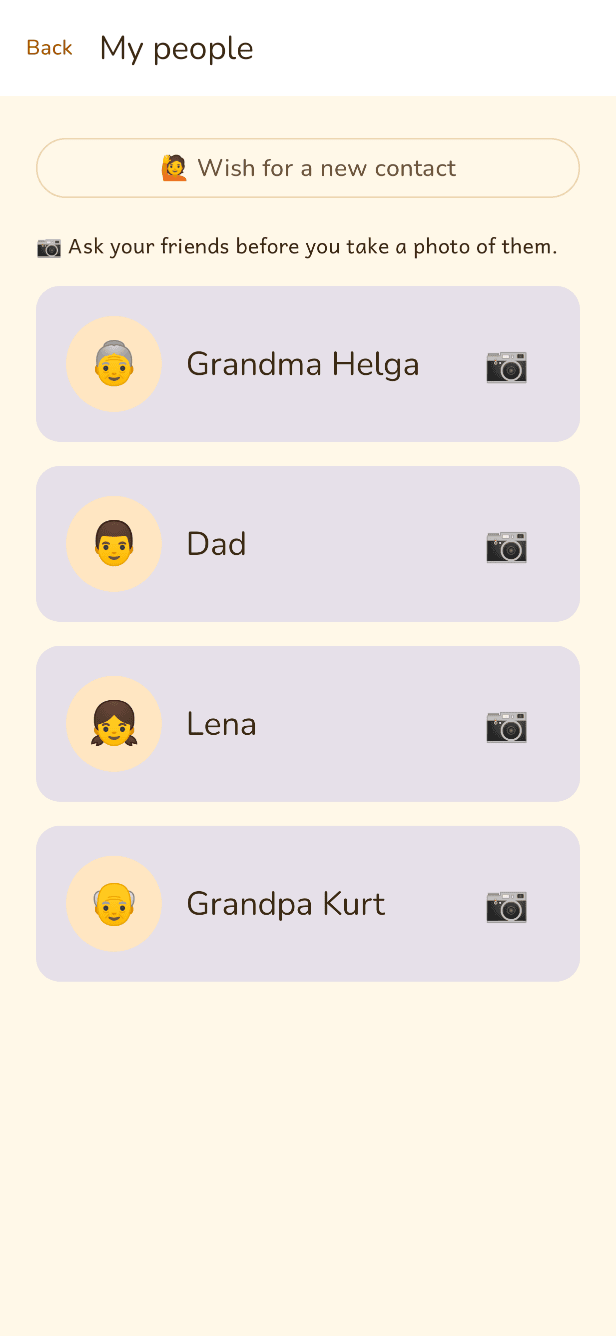
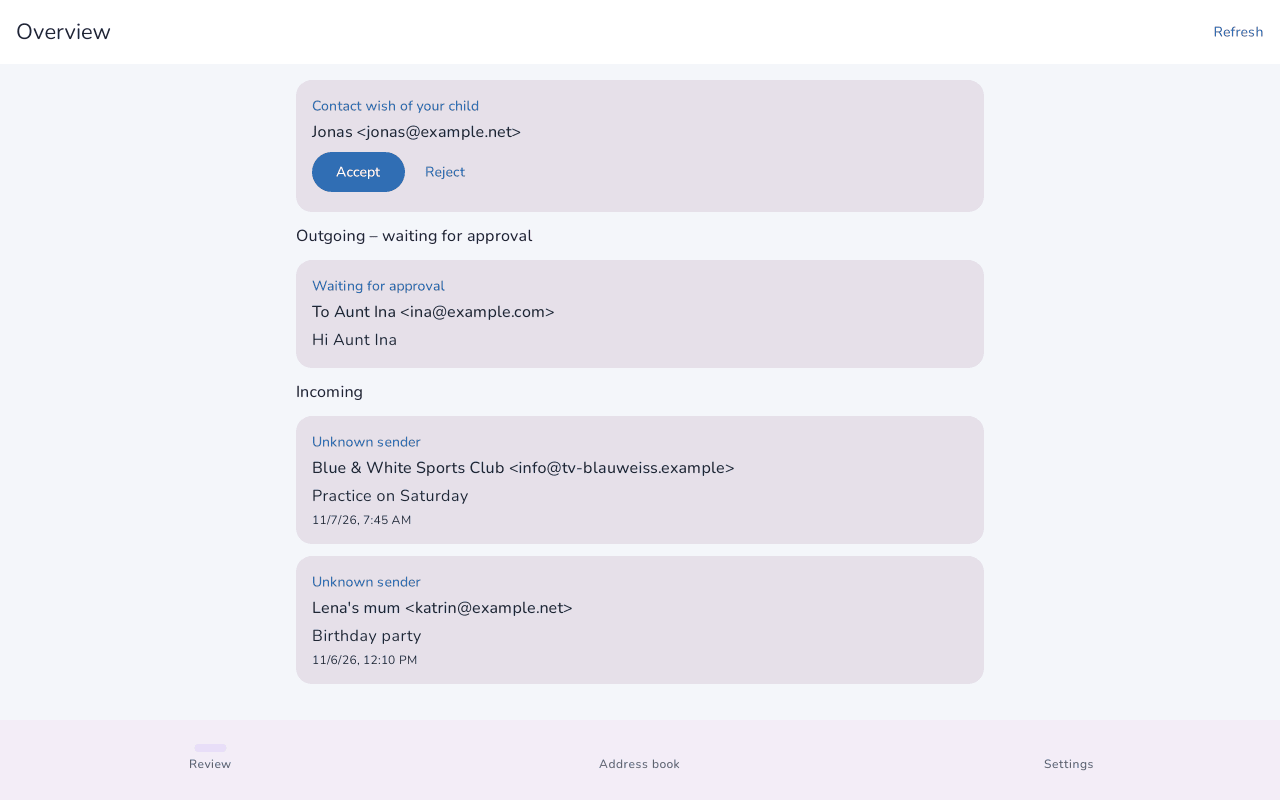
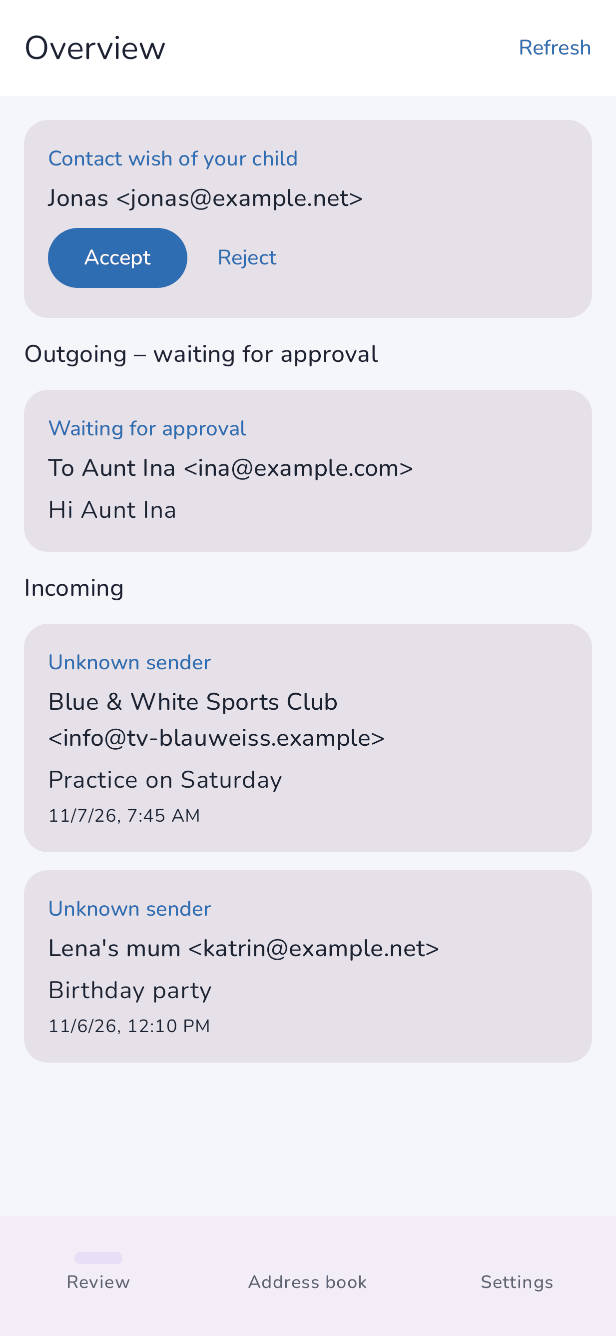
This is everyone your child is allowed to write to. If someone is missing, your child taps “Wish for a new contact”. The wish comes to you, and you accept or decline it. Before accepting, you can still fix the name or address in case your child made a typo.
Who would you like to write to? Mum or Dad will take a look.
For parents: the review
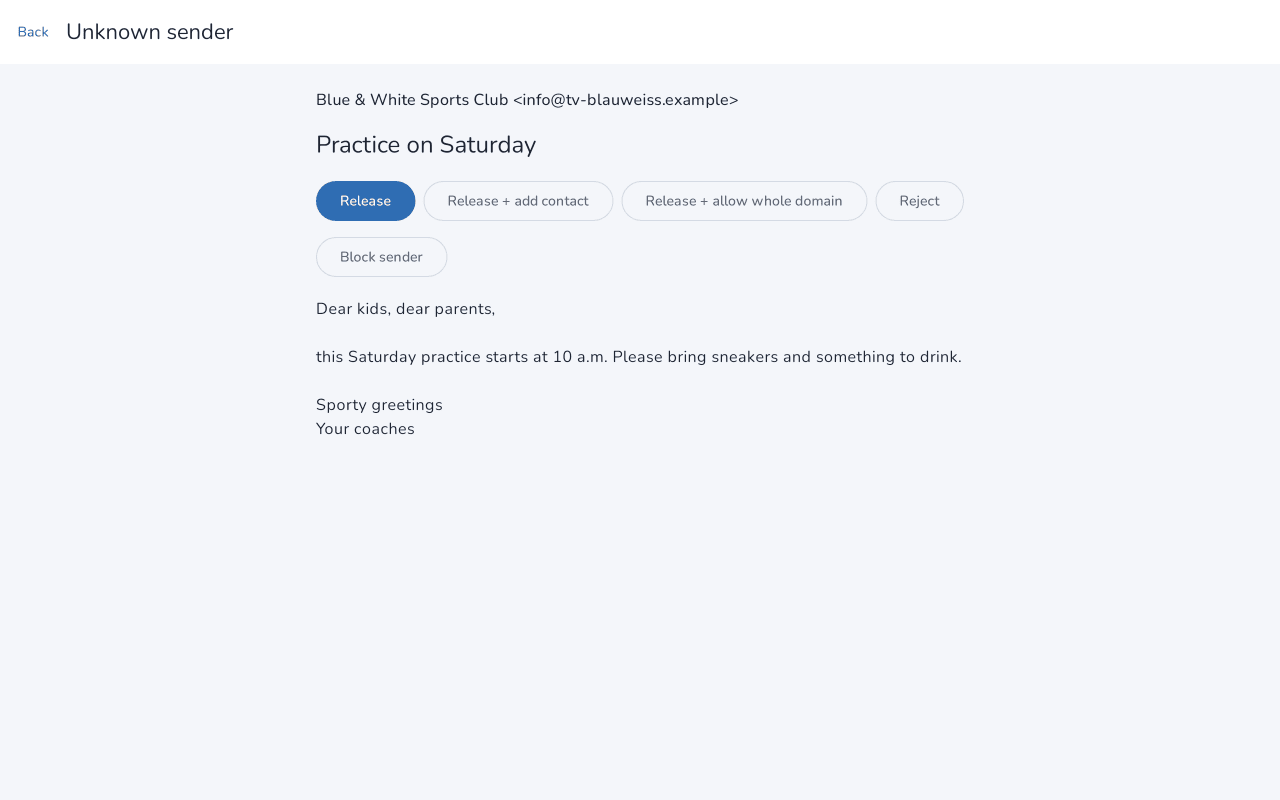
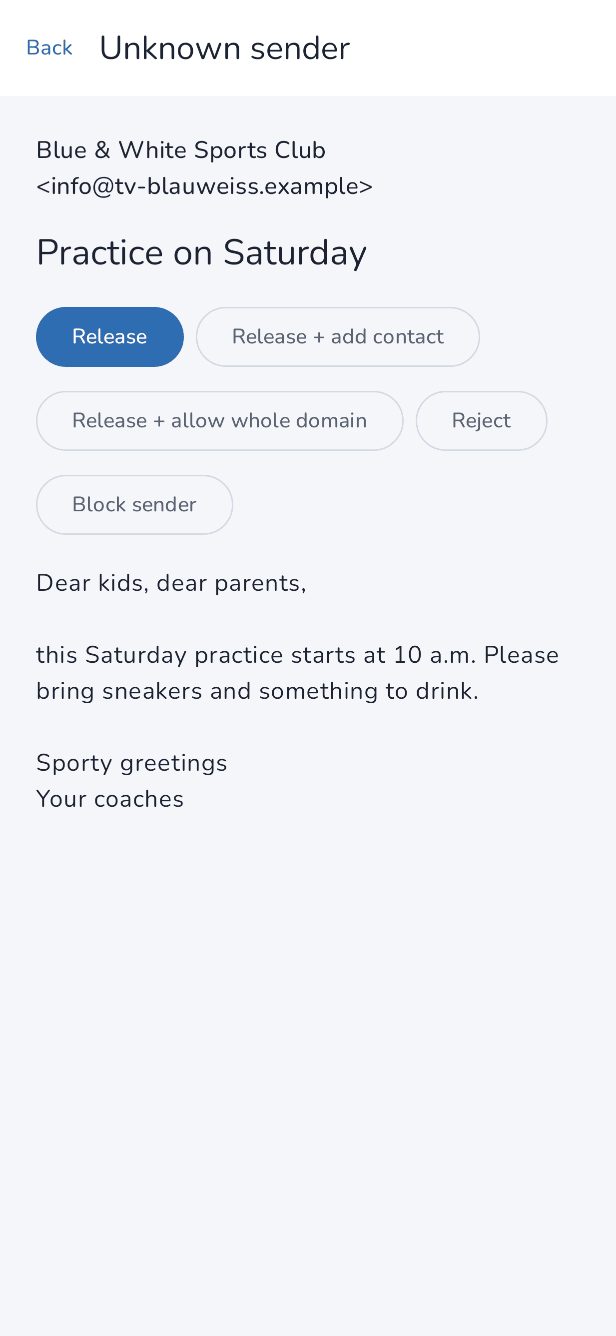
Your child doesn't see mail from strangers. It waits in the parent area until you decide. You read the mail and approve it, add the sender to the address book straight away, or decline it. Anyone who keeps bothering your child can be blocked.
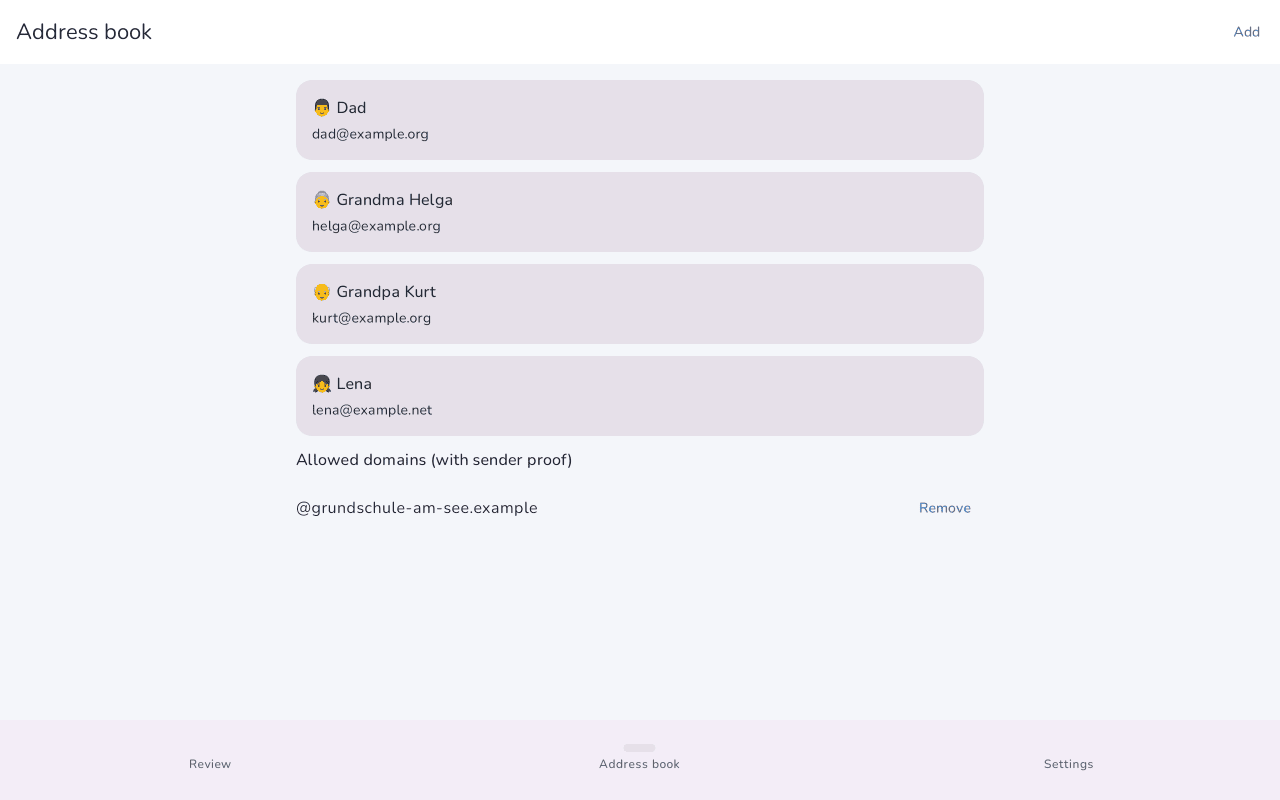
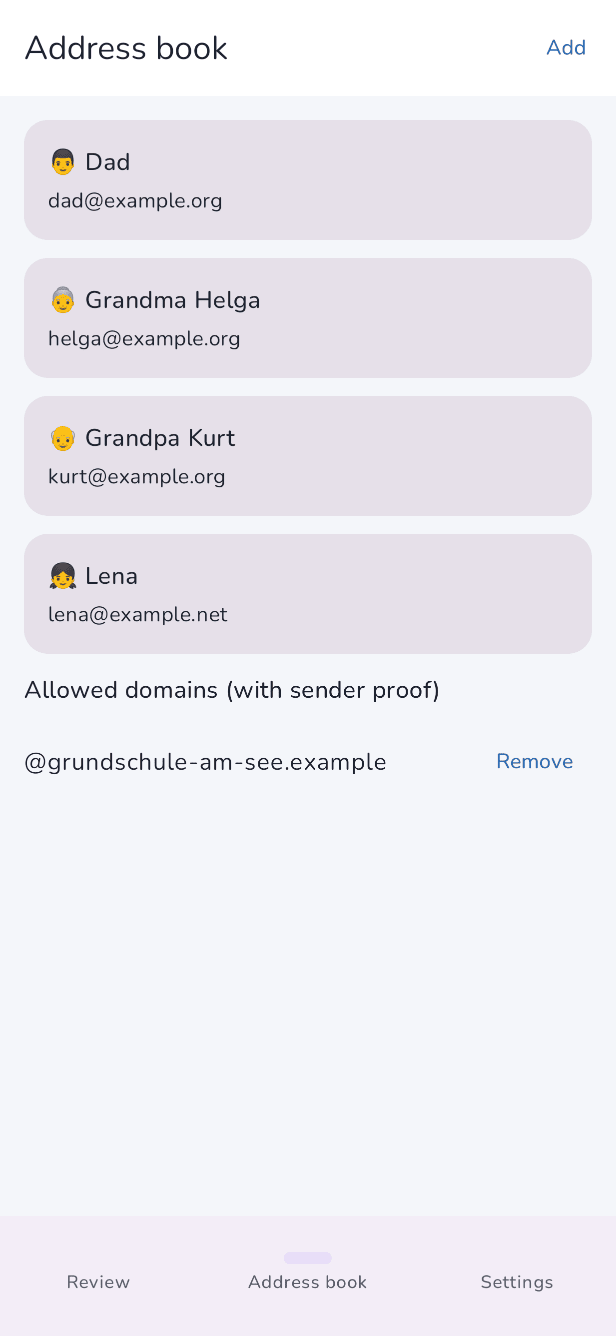
For a school or club, you can allow a whole domain, such as every address at the primary school. This only works if the domain's mail carries a valid DKIM signature, and never for big mail providers such as GMX, WEB.DE or Posteo.
Real senders
Sender addresses can be forged. That's why Juhupost also checks mail from contacts in the address book to see whether it really comes from their domain. The app reads the DKIM signature on the device. If that proof is missing, the mail goes to your review.
Some small providers don't sign their mail. For a contact like that, you can choose to let their mail through without proof.
Address book and rules
In the address book you look after your child's contacts and the domains you've allowed. You also choose whom your child may write to:
| Level | What your child can do | Version |
|---|---|---|
| Only contacts | Write to people in the address book. Typing in other addresses isn't possible. | free, the default |
| New addresses with approval | Mail to new addresses waits for you. Once you approve it, your device sends it. | Family ⭐ |
| Free | Your child can write to any address. | Family ⭐ |
You also decide whether your child may attach pictures and whether links in mails can be tapped. Juhupost never loads pictures from the internet, so no sender learns when a mail was read.
Attachments
Pictures such as JPG, PNG or HEIC are shown straight away. Other files first appear only as a note. Your child can ask you for permission, and you allow that one file or not. Approved files only open in the built-in viewer.
Times
You decide when the devices check for new mail in the background. Out of the box that is Monday to Friday from 12:00 to 19:00 and at weekends from 8:00 to 19:00, every two hours. While the app is open, mail arrives straight away.
Family adds usage times. Outside them, Juhupost goes to sleep on your child's device.
Juhupost is asleep right now. Ask Mum or Dad when it wakes up.
Several children and devices
The free version pairs one child device with one parent device. With Family you can add more children, each with their own mailbox, and pair as many devices as you need. On the parent phone you switch between children at the top and see where something is waiting.
Reporting a problem and removing Juhupost
If something goes wrong, you send us a description and a log by email from the parent area. You see everything before it goes. If you stop using Juhupost, one button removes the “Juhupost” folder from the mailbox. After that it's a perfectly normal mailbox.

Try it
Juhupost is free. You can add Family in the app later if you need it.